



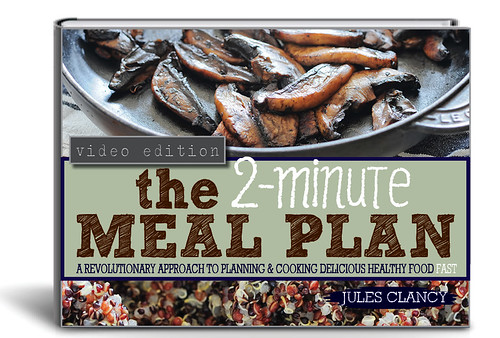


DOWNLOAD INSTRUCTIONS
On your computer
1. I recommend using the free program Adobe Reader. Download the computer version here:
www.get.adobe.com/reader/
2. ‘Right click’ on the cover above and ‘save link as’.
3. Open the saved file using Adobe Reader.
On your mobile device
1. Get the free Adobe Reader App for iphone / iPad or android in the App Store. Or over here
www.adobe.com/au/products/reader-mobile.html
2. Open this web page on your iPad / iPhone / Android device.
3. Click on the cover to open the ebook PDF.
4. Click on the ‘open in…’ option that appears on the top left hand corner of your screen (you might need to tap in the top left corner to get this option to appear). Choose ‘Open in Adobe Reader’.
5. The PDF will automatically be saved in your Adobe Reader App.
NOTE: All files are PDFs and can be saved or read on any device which is compatible with PDFs including newer Kindles.

Hello dear Jules, will the new ebook also be available here, or not? I mean this one: https://thestonesoupshop.com/lyw2/ Thank you.
Hi Barbara!
Thanks for asking – I’m going to release it here in March next year.
Just giving people an incentive to support Stonesoup and buy a copy if they want it sooner 🙂
xx
Hi Jules,
I love your new ebook The simple joy of 6-ingredient suppers, another great ebook!!
Thank you
Valerie
Thanks Valerie! Appreciate the kind words 🙂